
Knowledge Base
Help Center articles
Download a robot for MT4 or MT5
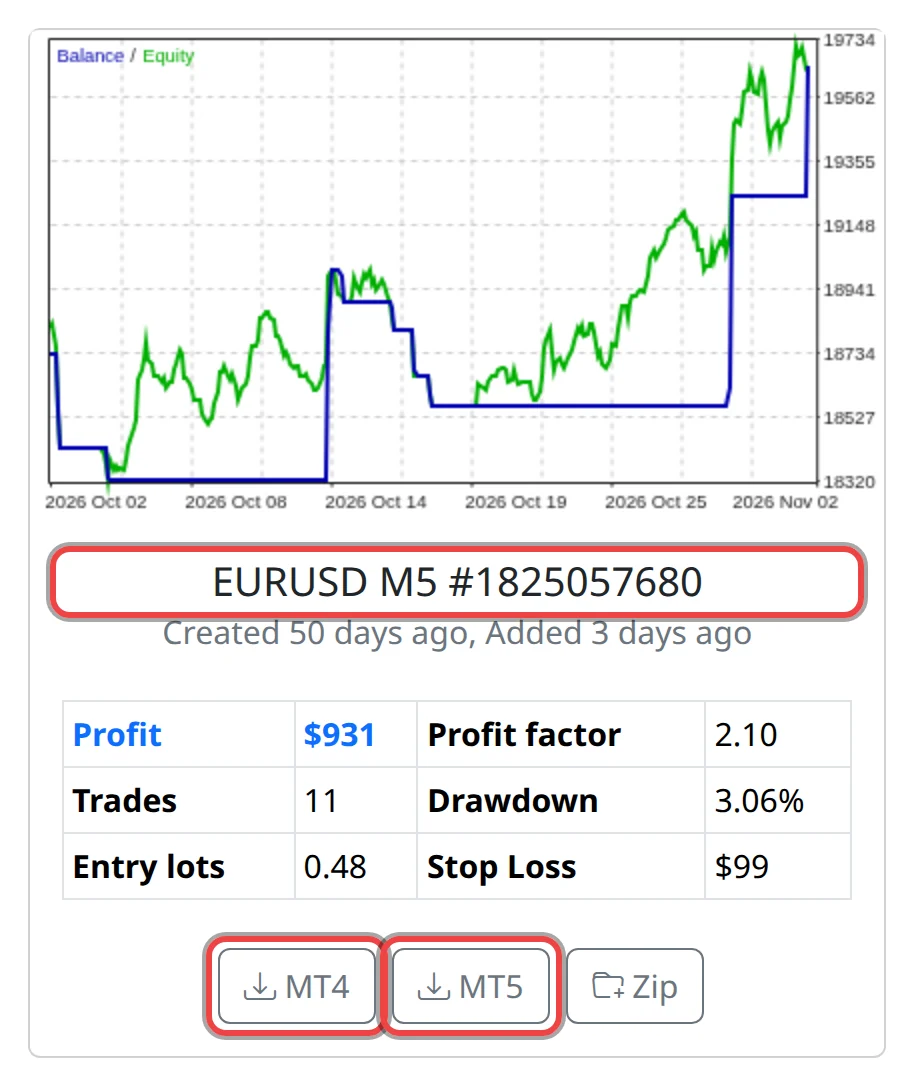
Every robot card has an MT4 and an MT5 button. One click saves that robot as an Expert Advisor (EA) file you can put into MetaTrader.
Plan: anyone can browse the robots; downloading needs a plan that includes the Prop Firm Robots App.
Set the robot up before you download
- Set your account size and risk with the Account button (or Challenge). The card's Entry lots follow from them, and the robot is saved with those lots.
- If you need them, set Robot (trading hours and protections), Random and Specification. They are written into the file when you download, so set them first.
Download one robot
- Pick a symbol and find the robot's card. Its name, such as EURUSD M5 followed by a number, is the symbol, the timeframe (M5 = 5-minute bars) and the robot's magic number (the ID it puts on every trade it opens).
- Click MT4 if your account runs on MetaTrader 4, or MT5 for MetaTrader 5. Ask your prop firm if you are not sure.
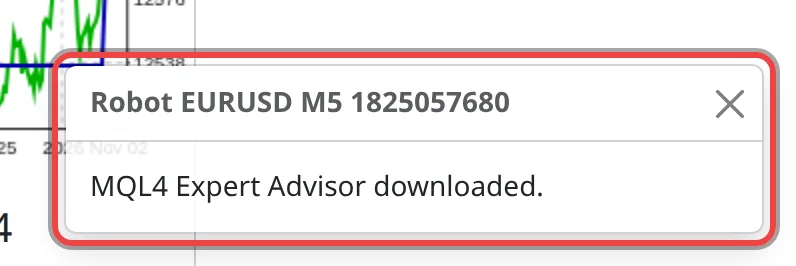
A message at the bottom right confirms it, for example MQL4 Expert Advisor downloaded. The file is in your browser's downloads folder: Robot followed by the card name, ending in .mq4 (.mq5 for MT5).
If the download doesn't start
- If you aren't signed in, or your plan doesn't include the app, a blue message asks you to log in and choose a plan. Sign in on platform.algotradingspace.com and open the app from there.
- If a card's buttons are greyed out, your plan doesn't include that symbol. Clicking shows No Access to Symbol.

Good to know
- The file is the robot's source code (
.mq4or.mq5), not a compiled file. MetaTrader compiles it for you: see the install guide. - The robot keeps the lots, stop loss and settings it was downloaded with. If you change your account size or risk later, download it again.
- With Random on, every download is a slightly different robot, so two downloads of the same card are not the same file.
- The card's stats come from a backtest. Past results don't promise future ones: backtest the file in MetaTrader and run it on a demo or trial challenge first.