
Knowledge Base
Help Center articles
Backtest a robot in MetaTrader before you trade it
The app's stats come from its own backtest (a test of the robot on past prices). Before a robot trades your account, test the file you downloaded in MetaTrader's Strategy Tester, on your broker's prices. The app itself asks you to.
Plan: a plan that includes the Prop Firm Robots App.
Note what to compare
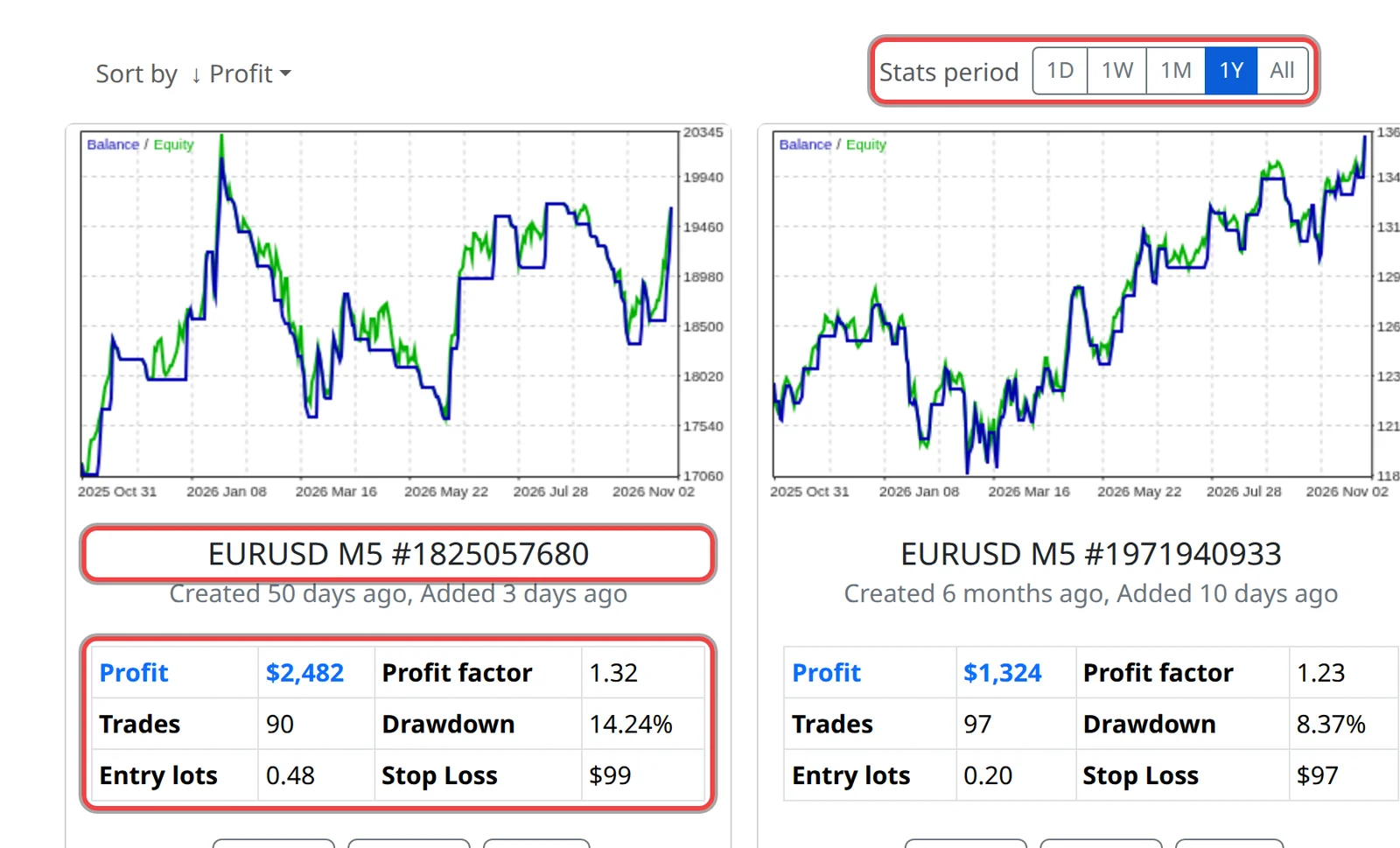
- In the app, choose the Stats period, for example 1Y. The dates under the card's chart show the period tested.
- Write down the card's name (symbol and timeframe), Profit, Profit factor (money won divided by money lost; above 1 means profit), Trades and Drawdown (the largest fall from a high point, in %). Note your account size too.
Run the test in MetaTrader
- Install the robot first (see the install guide).
- Press Ctrl+R or open View › Strategy Tester.
- Choose the robot under Expert (MetaTrader 4) or Expert Advisor (MetaTrader 5).
- Choose the same symbol and timeframe as the card, and the same dates.
- Set the deposit to your account size in the app.
- For the model, Open prices only is quick, because the robot decides when a bar opens. Every tick (MetaTrader 4) or Every tick based on real ticks (MetaTrader 5) is closer to real trading.
- Click Start, then read the results and the graph.
Compare the results
- Look for a similar number of trades, a profit factor above 1 and a drawdown your prop firm allows. The exact profit will differ.
- Results differ because brokers' prices, spreads, commissions and server time zones differ from the app's data. A small difference is normal; a robot that loses badly on your broker's data is a reason to choose another.
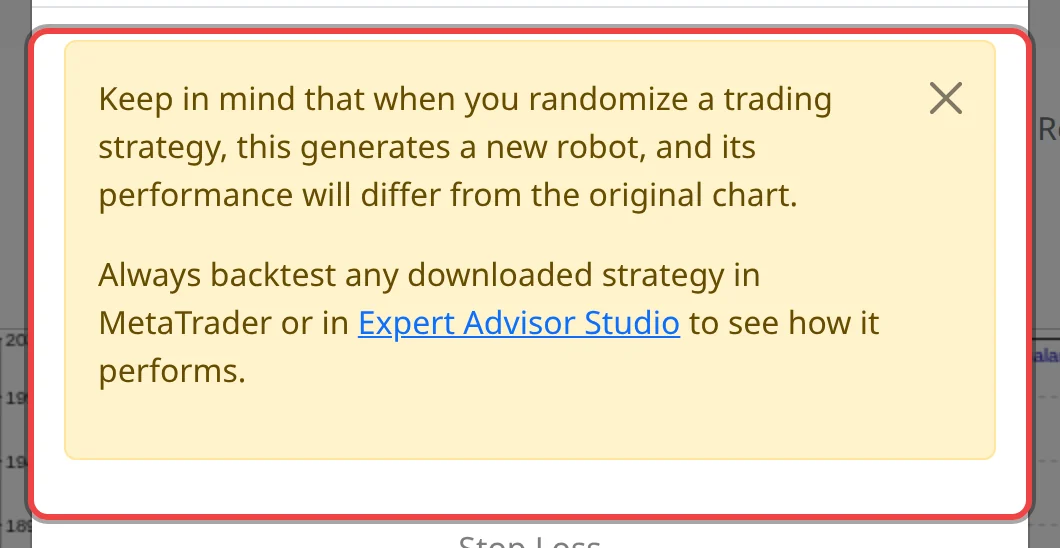
- A randomised robot is a new robot: your backtest is the only test of it.
Good to know
- No trades in the test? Check that the dates have price history (press Home on a chart to load more), and that Max spread isn't lower than the tester's spread. Some prop firm servers keep little history; a broker demo account often has more.
- The news filter and the daily and account protections only work on a demo or live chart, not in the tester.
- A good backtest doesn't promise future results. Run the robot on a demo or trial challenge next.