
Knowledge Base
Help Center articles
Get your alerts on Telegram
Get your Account Tracker alerts as Telegram messages. You make a small Telegram bot of your own, and the tracker sends your alerts through it to your chat.
Plan: Pro or VIP. The 14 days of Pro every new user starts with include it.
Create your bot in Telegram
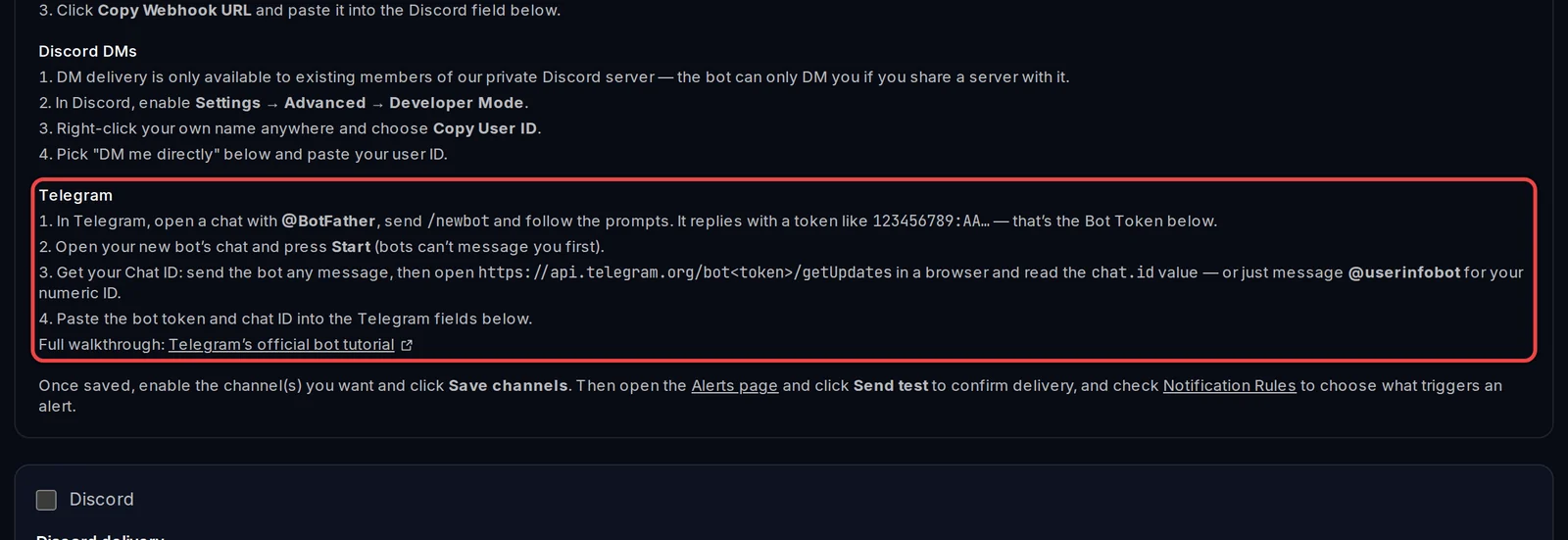
- In Telegram, open a chat with @BotFather and send
/newbot. - Follow its questions (a name, then a username ending in "bot"). It replies with a token that looks like
123456789:AA…. That is your bot token: copy it. - Open the chat with your new bot and press Start. A bot can't message you before you do this.
- Get your chat ID: message @userinfobot and it replies with your numeric ID.
The same steps are in the tracker: in Settings › Plan & Integrations, open Setup guide: getting a Discord webhook URL or Telegram bot token.
Connect it to the tracker
- Open Settings › Plan & Integrations and scroll to Custom alert channels.
- Tick Telegram bot.
- Paste the token in the first field and your chat ID in Chat ID.
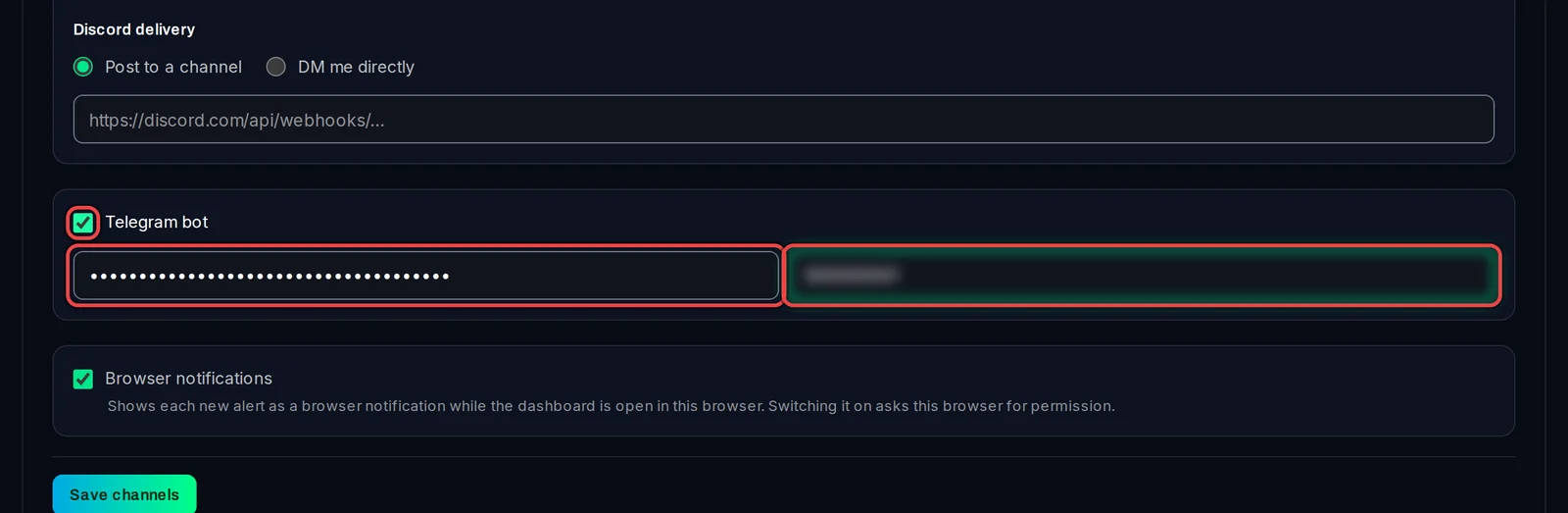
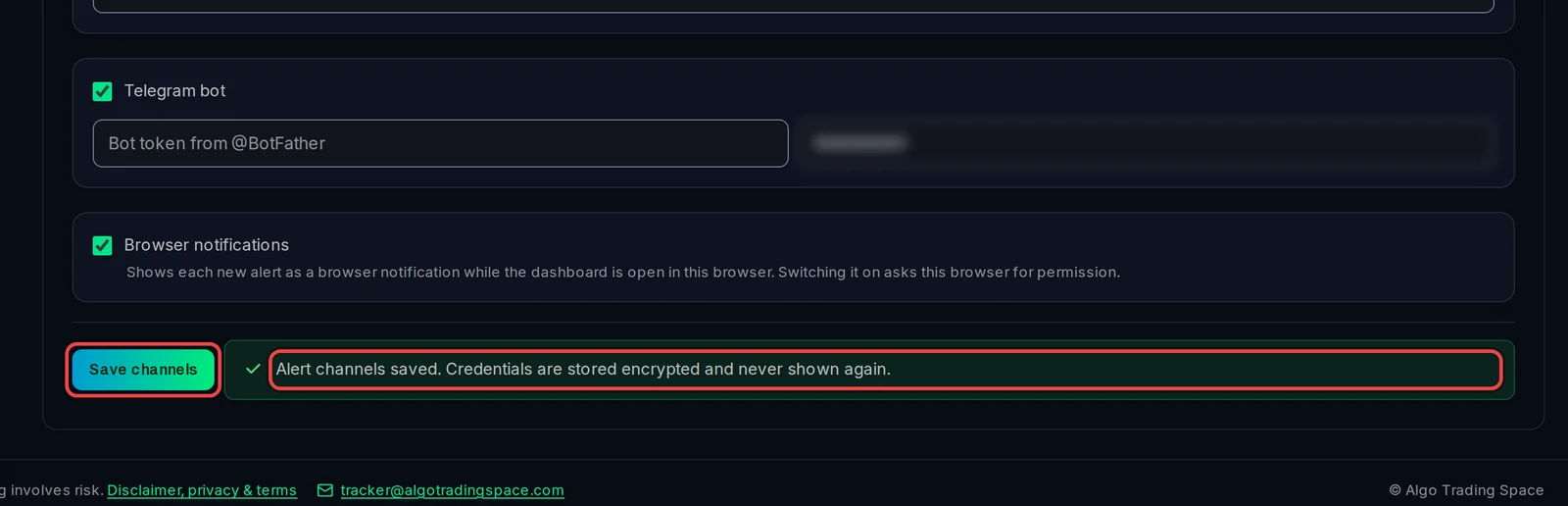
- Click Save channels. You will see Alert channels saved.
Test it
- Open Monitoring › Alerts and click Send test.
- Check Telegram: the test message comes from your bot. The Alerts page also says whether it was delivered.
Good to know
- A rule is sent to Telegram only when its Notification Type includes Discord / Telegram. Built-in alerts are sent while Push built-in alerts to Discord / Telegram is on, on the Alerts page.
- The bot token is stored encrypted and never shown again. Keep it private: anyone with it can send messages as your bot.
- If the test fails, check that you pressed Start in your bot's chat and that the chat ID is yours.