
Knowledge Base
Help Center articles
What the Prop Firm Robots App is and how it works
The Prop Firm Robots App is a library of ready-made trading robots for MetaTrader 4 and MetaTrader 5. You pick a symbol, compare the robots by their backtest results, size them to your account and download the ones you want.
Plan: anyone can browse the robots; downloading needs a plan that includes the app.
See what the app gives you
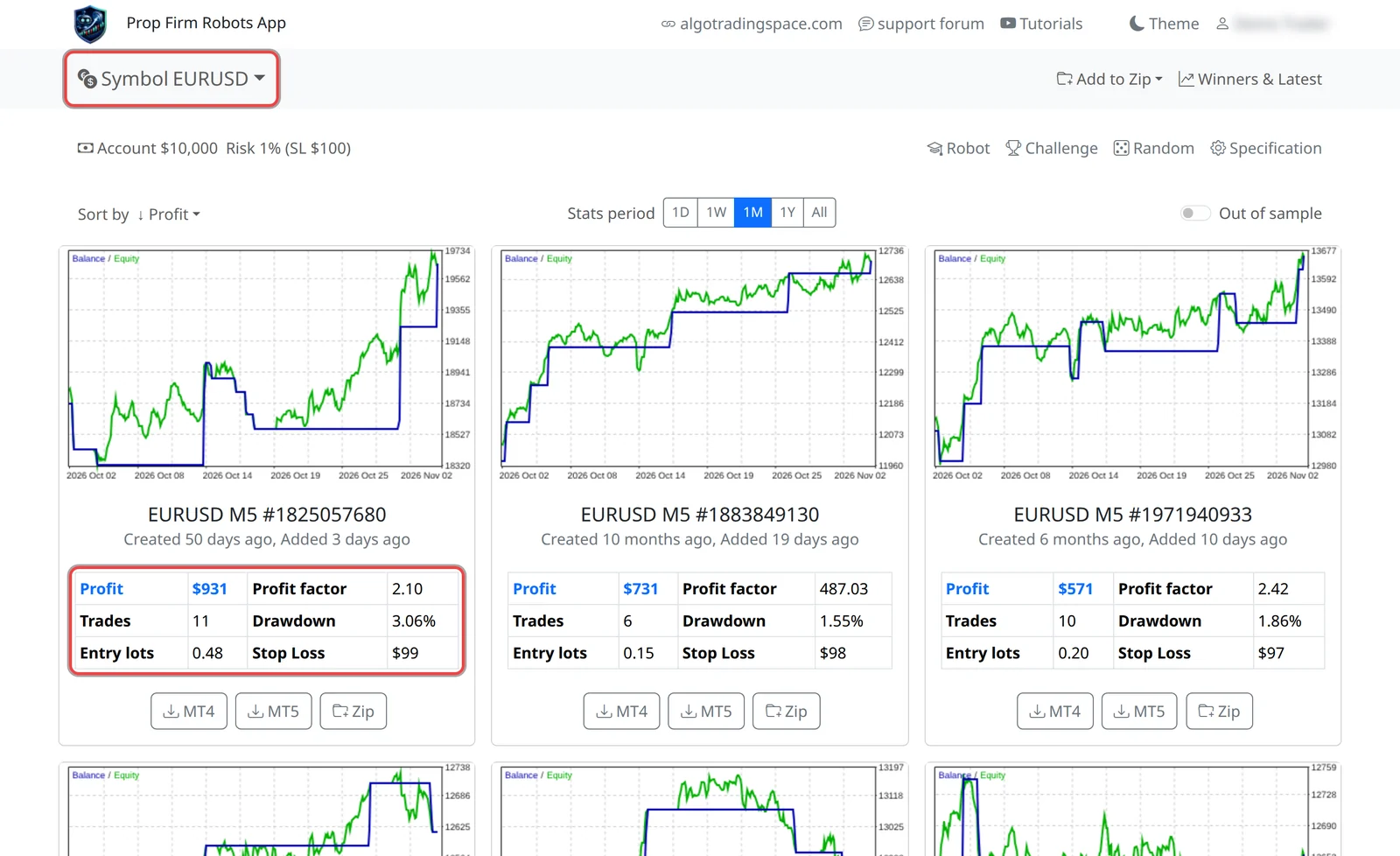
- Choose a market from the Symbol menu: 25 symbols, from EURUSD to gold, stock indices and Bitcoin.
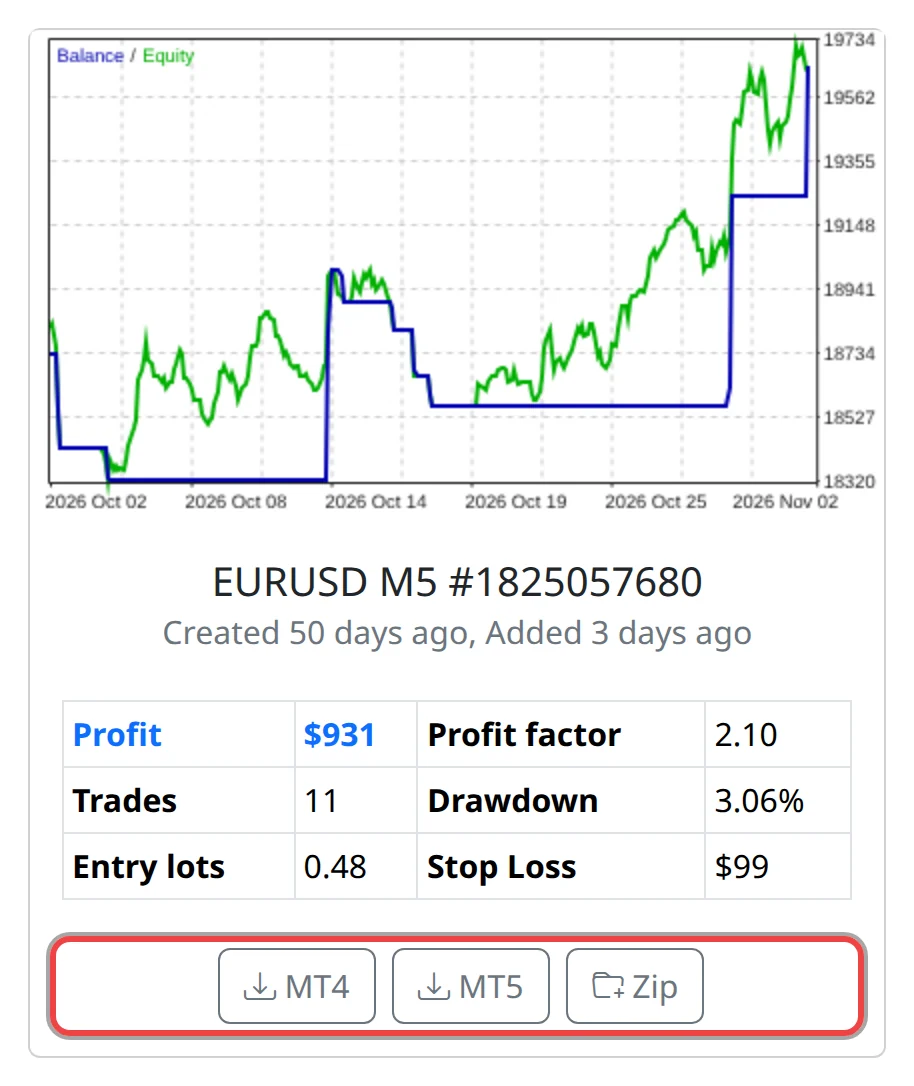
- Read the robot cards. Each robot is a generated strategy (an Expert Advisor, or EA: a program that trades inside MetaTrader). Its card shows a chart and the stats of its backtest: how it would have traded on past prices over the period you choose.
- Enter your account size and risk per trade. The app works out the trade size (in lots) for every robot, so one losing trade costs about the amount you chose.
- Add your prop firm's limits in Challenge. The app writes them into the robots as protections, for example a maximum daily loss.
- Click MT4 or MT5 to download a robot, or Zip to collect several and download them in one file.
Know what it doesn't do
- It doesn't trade for you and doesn't connect to your broker or prop firm account. A robot only trades once you install it in your own MetaTrader and leave MetaTrader running.
- It doesn't give signals or advice. The numbers are backtests on historical prices, not live results, and past results don't promise future ones.
Good to know
- New robots are generated all the time, so the list for a symbol changes. A card shows when the robot was created and when it was added to the app.
- The download is a MetaTrader source file (
.mq4or.mq5) with your lot size and protections already set in it. - Test every robot first: backtest it in MetaTrader and run it on a demo or trial challenge before you trade it on a real challenge.
- Check your prop firm's rules on EAs before you use any robot there.