
Knowledge Base
Help Center articles
Upgrade or manage your subscription
You buy, change and cancel your Account Tracker plan on algotradingspace.com. The tracker's plan card takes you to the right page.
Plan: every plan.
Upgrade to Pro
- Open Settings › Plan & Integrations.
- On the plan card, click Upgrade to Pro. If you never had the 14 days of Pro, the button reads Get 14 days of Pro free instead.
- The shop opens in a new tab. Complete the order there.
- Come back to the tracker and reload the page. The card now reads Your plan: Pro.
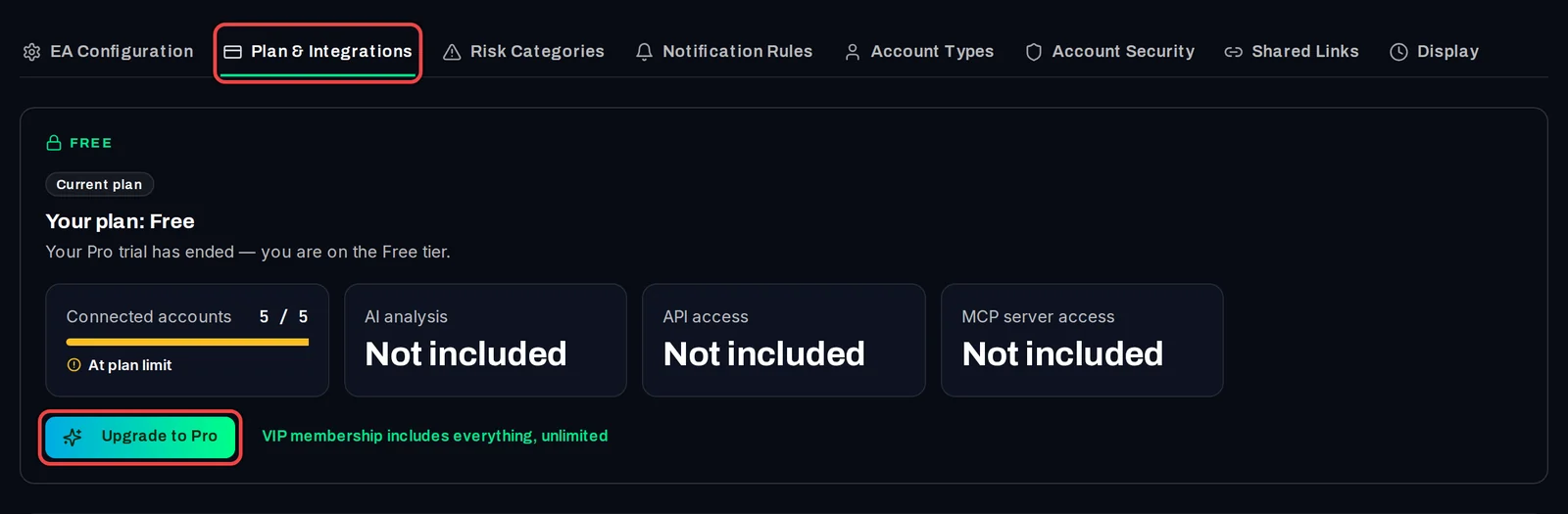
Manage or cancel Pro
- Open Settings › Plan & Integrations.
- Click Manage subscription. Your subscriptions on algotradingspace.com open in a new tab.
- There you can see the next payment, change your payment method or cancel.
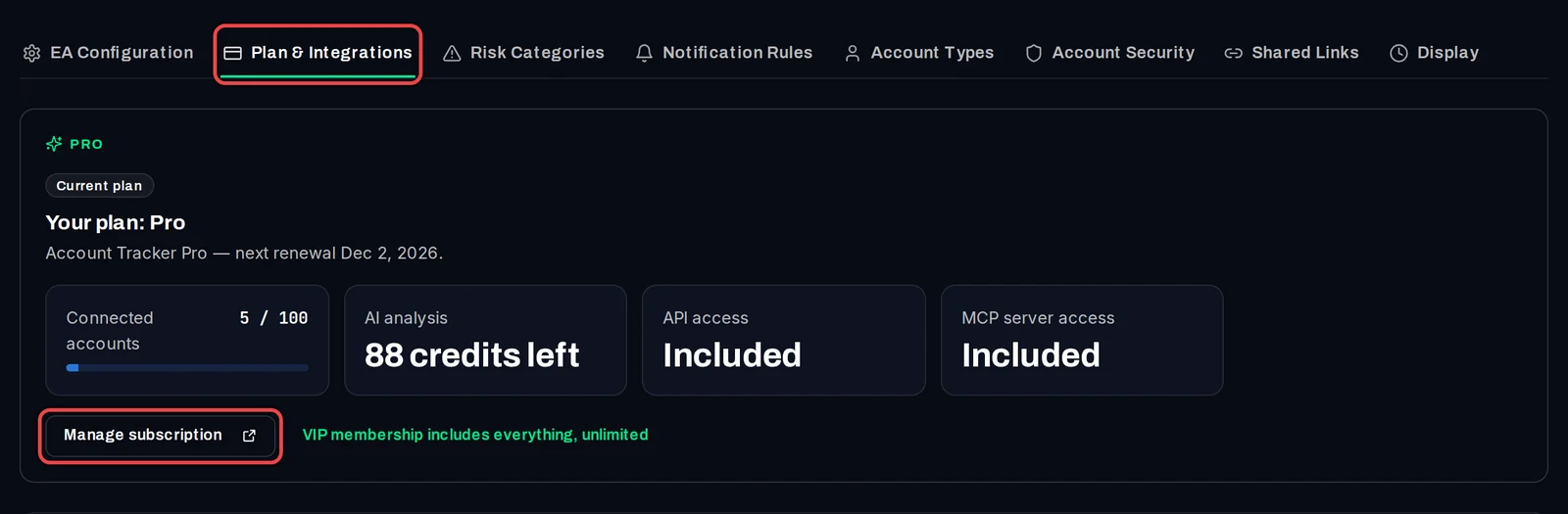
Join the VIP Club instead
- On the plan card, click VIP membership includes everything, unlimited.
- The VIP Club page opens. VIP members have everything in Pro with no account limit.
Good to know
- Pro costs €29 a month and renews monthly until you cancel.
- After you cancel, Pro stays until the end of the period you paid for. Then your account moves to Free. Nothing is deleted: accounts above 5 are paused and report again when you upgrade.
- If a renewal payment fails, the card says you are on the Free tier until it is paid.
- In the last 3 days of your 14 days of Pro, a notice at the top of the dashboard reminds you, with a Keep Pro link.