
Knowledge Base
Help Center articles
Manage and revoke your shared links
Every public link you have created, for any of your accounts, is listed in one place. There you can see which links still work and how often they were opened, and switch any of them off.
Plan: every plan.
See your links
- In the menu on the left, click Settings.
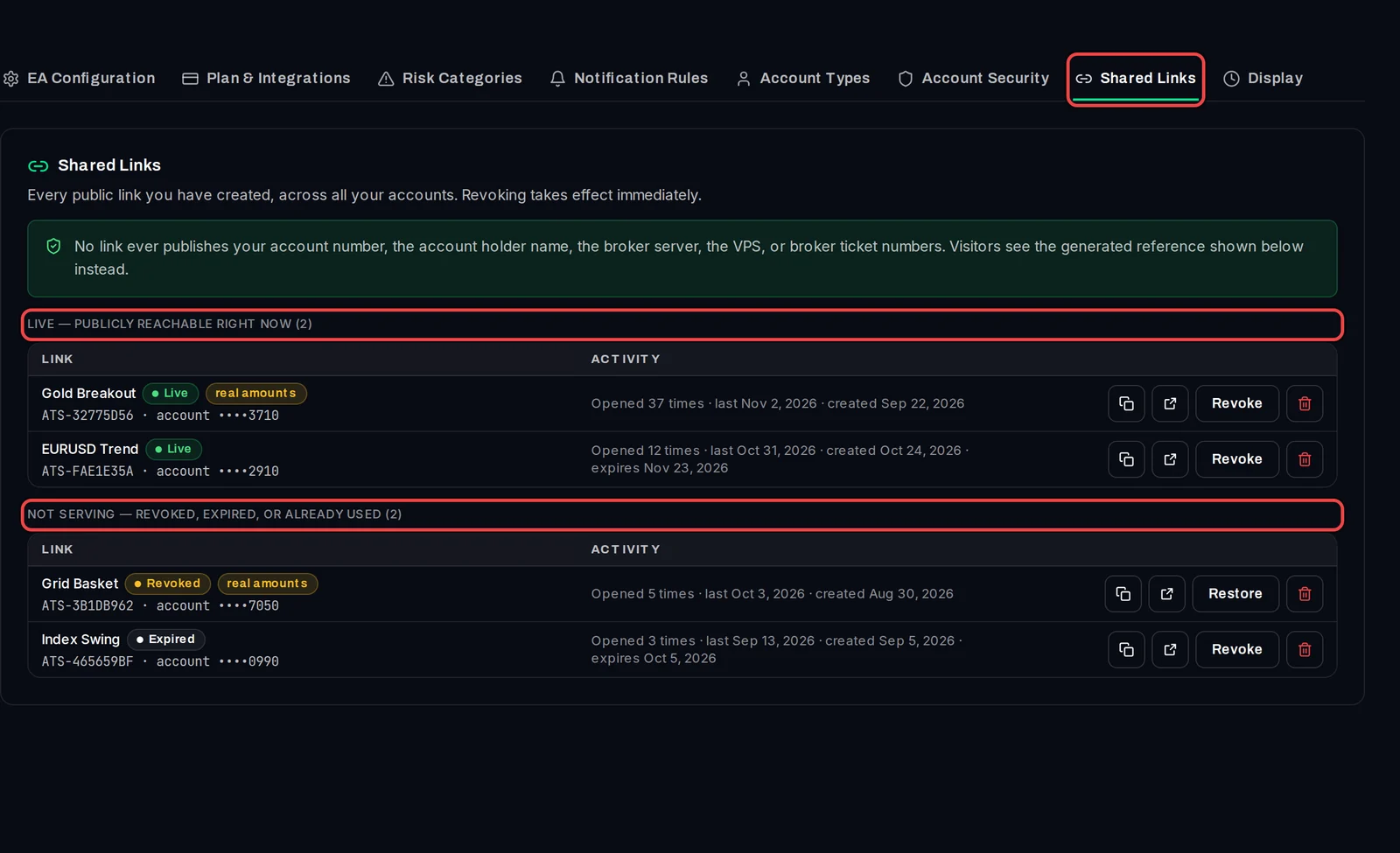
- Click the Shared Links tab.
- Links that work now are under Live — publicly reachable right now. Links that no longer work are under Not serving — revoked, expired, or already used, marked Revoked or Expired.
- Each link shows the account, its public reference, real amounts if it shows money figures, and how often it was opened and when.
Revoke a link
- On the link's row, click Revoke. It stops working at once: visitors see "This report is not available".
- The link moves to Not serving. Changed your mind? Click Restore and the same link works again.
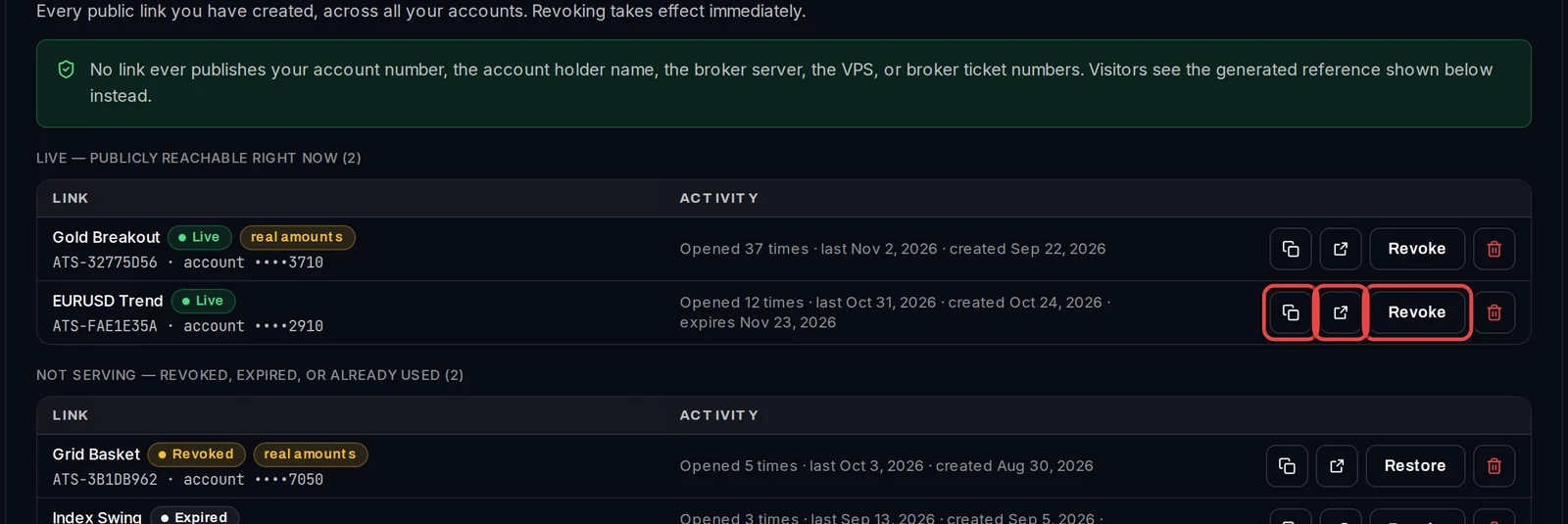
The two icons before Revoke copy the link and open the public view.
Delete a link for good
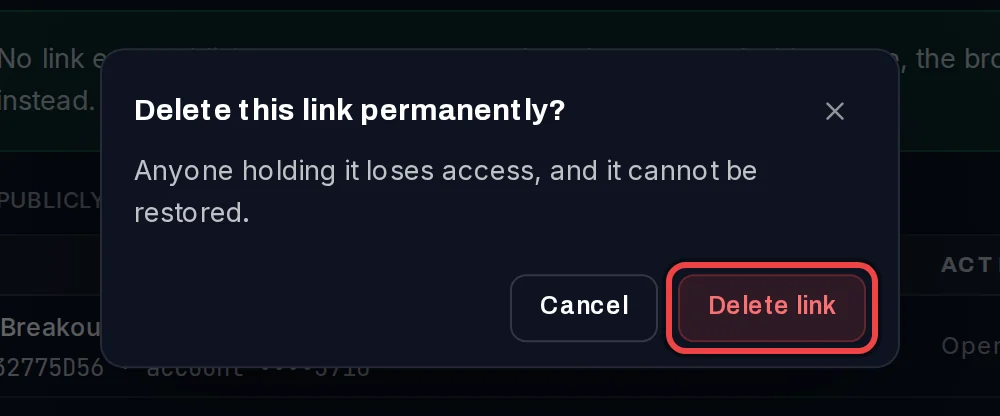
- Click the red bin icon on the link's row.
- Click Delete link to confirm. A deleted link cannot be restored; to share the account again, create a new link from the account page.
Good to know
- A link set to expire stops working by itself on its expiry date and moves to Not serving.
- You can also revoke or delete a link from the account itself: open the account and click the share icon at the top right.
- To change what a link shows or when it expires, use the share panel on the account page.